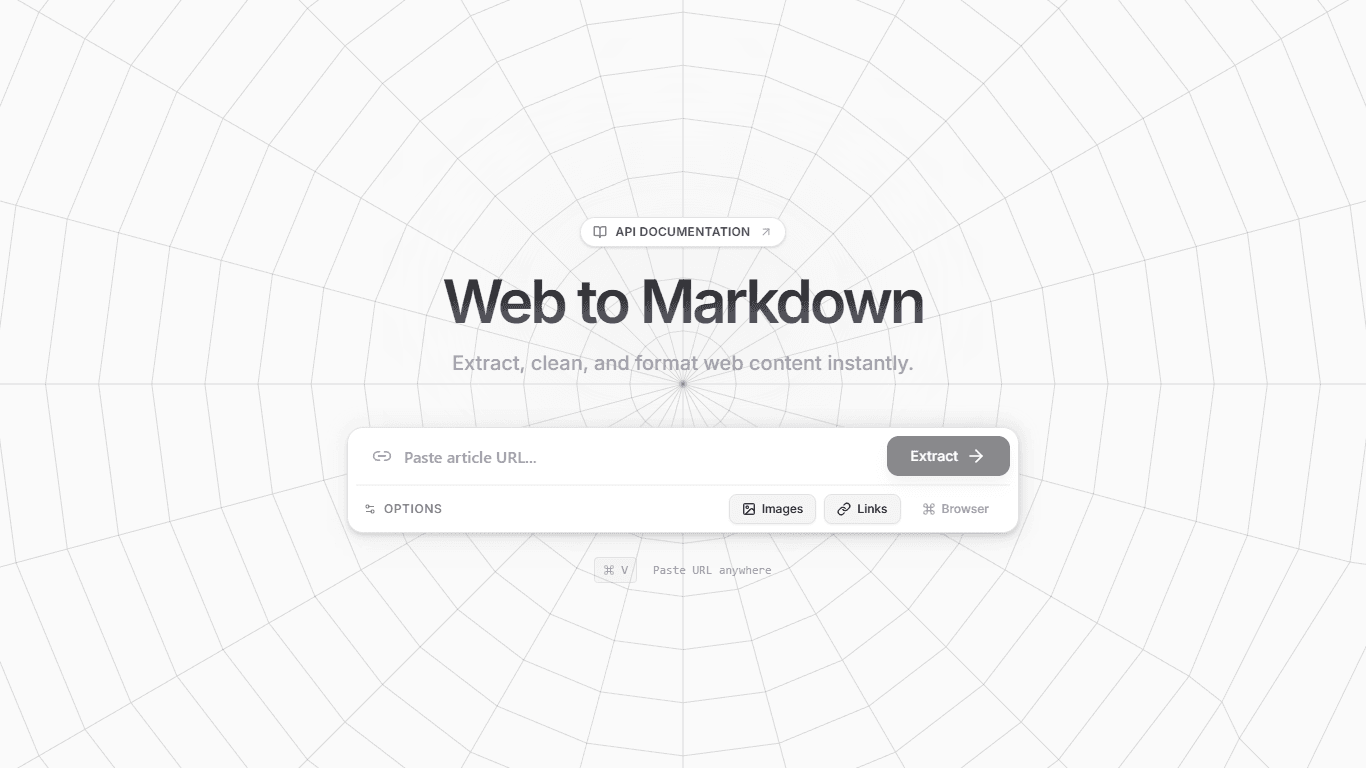

Convert any web page to clean, formatted Markdown with AI-powered processing.
Convert any web page to clean, formatted Markdown with AI-powered processing.
Prerequisites: Node.js
Install dependencies:
npm installSet up environment variables:
Create a .env file with:
GEMINI_API_KEY=
WORKER_URL=
CLOUDFLARE_API_KEY=
CLOUDFLARE_ACCOUNT_ID=CLOUDFLARE_ACCOUNT_ID=your_cloudflare_account_id CLOUDFLARE_API_KEY=your_cloudflare_api_key
3. Run the app:

**Frontend + Backend:**

```bash
npm run dev:both
Frontend only:
npm run devBackend only:
npm run dev:serverThe application exposes a public REST API for converting web pages to Markdown.
Endpoint: POST /api/scrape
Example:
curl -X POST http://localhost:5000/api/scrape \
  -H "Content-Type: application/json" \
  -d '{"url": "https://example.com"}'
Response:
{
  "success": true,
  "data": {
    "url": "https://example.com",
    "title": "Example Domain",
    "markdown": "# Example Domain

This domain is for use in...",
    "html": "<html>...</html>"
  }
}
📚 Full API Documentation: API_DOCS.md
npm run build
npm startRecommended approach: push your repository to GitHub and import it into Vercel. Then configure environment variables in the Vercel project settings.
git add .
git commit -m "Add Cloudflare retry logs and codeblock docs"
git push origin mainzulfikawr/scraper-ai).WORKER_URL and the API base URL accordingly.GEMINI_API_KEY = your Gemini API keyWORKER_URL = your Cloudflare worker URL (proxy fetch)CLOUDFLARE_ACCOUNT_ID = your Cloudflare account id (if using Cloudflare Browser Rendering)CLOUDFLARE_API_KEY = your Cloudflare API token with Browser Rendering permissions/api routes) or rewrite server endpoints as serverless handlers. This may require some adjustments to file paths and local filesystem usage.Notes:
api/ handler scaffold to make deployment smoother.