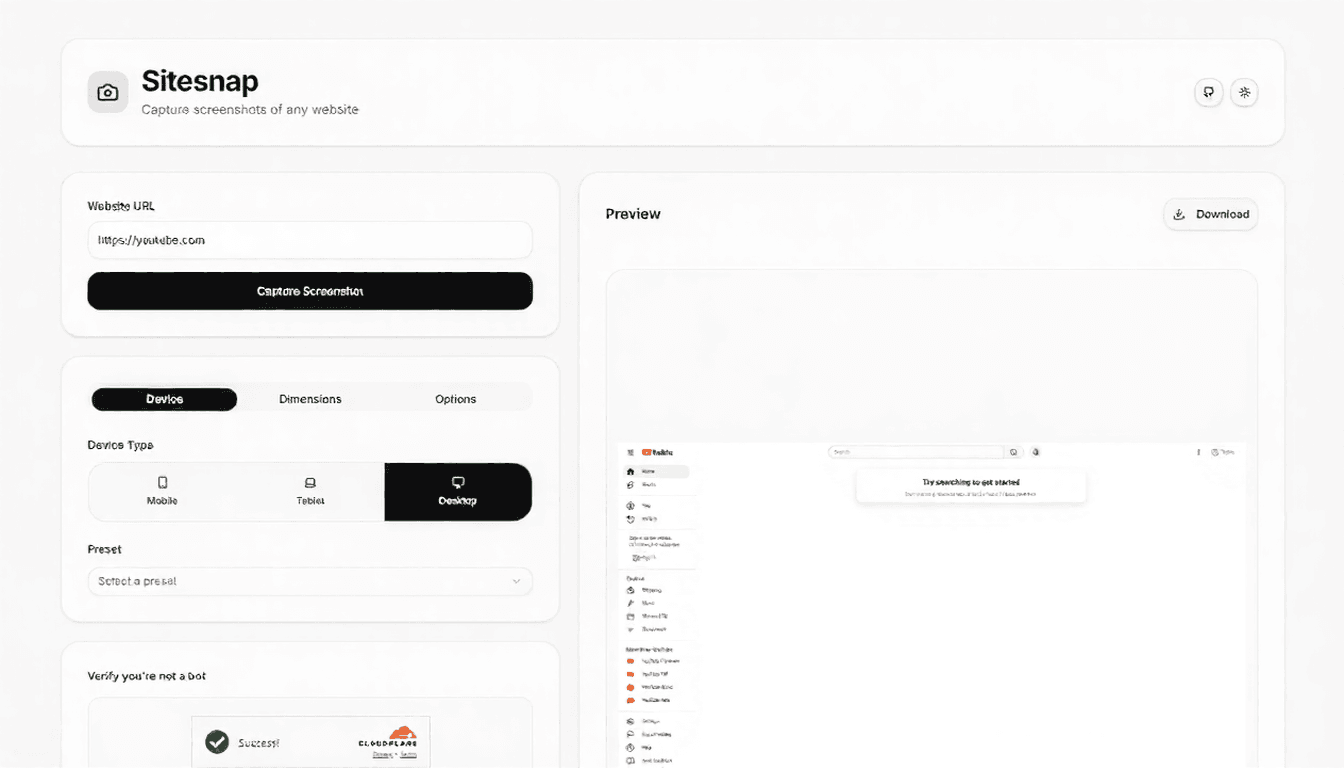
Capture screenshots of any website
Sitesnap is a modern, secure website screenshot tool built with Next.js. It leverages the ScreenshotOne API for high-fidelity captures and integrates Cloudflare Turnstile to protect your API quota from bot abuse.
Follow these steps to get the project running locally. Prerequisites
Clone the repository git clone https://github.com/zulfikawr/sitesnap.git cd sitesnap
Environment Setup This project uses specific environment variables for the screenshot engine and security verification.
Copy the example environment file: cp .env.example .env.local
Open .env.local and configure your keys:
SCREENSHOTONE_API_KEY=your_screenshotone_access_key
NEXT_PUBLIC_CF_TURNSTILE_SITE_KEY=your_cloudflare_site_key
CF_TURNSTILE_SECRET_KEY=your_cloudflare_secret_keynpm installnpm run devOpen http://localhost:3000 with your browser to use the application.
Sitesnap uses a secure flow to ensure only humans can trigger the screenshot API, saving your credits.
The internal API route handles validation and proxying. Endpoint: /api/screenshot Method: POST Request Body
| Parameter | Type | Required | Description |
|---|---|---|---|
| url | string | Yes | The target website URL. |
| cfCaptchaToken | string | Yes | The Turnstile token generated by the frontend. |
| width | number | No | Viewport width (320px – 3840px). |
| height | number | No | Viewport height (480px – 2160px). |
| delay | number | No | Capture delay in seconds (0 – 10). |
| fullPage | boolean | No | Scroll and capture full height. |
Example Request
{
  "url": "https://vercel.com",
  "cfCaptchaToken": "0.x.xxxxx.xxxx...",
  "width": 1920,
  "height": 1080,
  "delay": 2,
  "fullPage": true
}Contributions are welcome! Please feel free to submit a Pull Request.
Distributed under the MIT License.
